Compact coffee equipment for home and travel

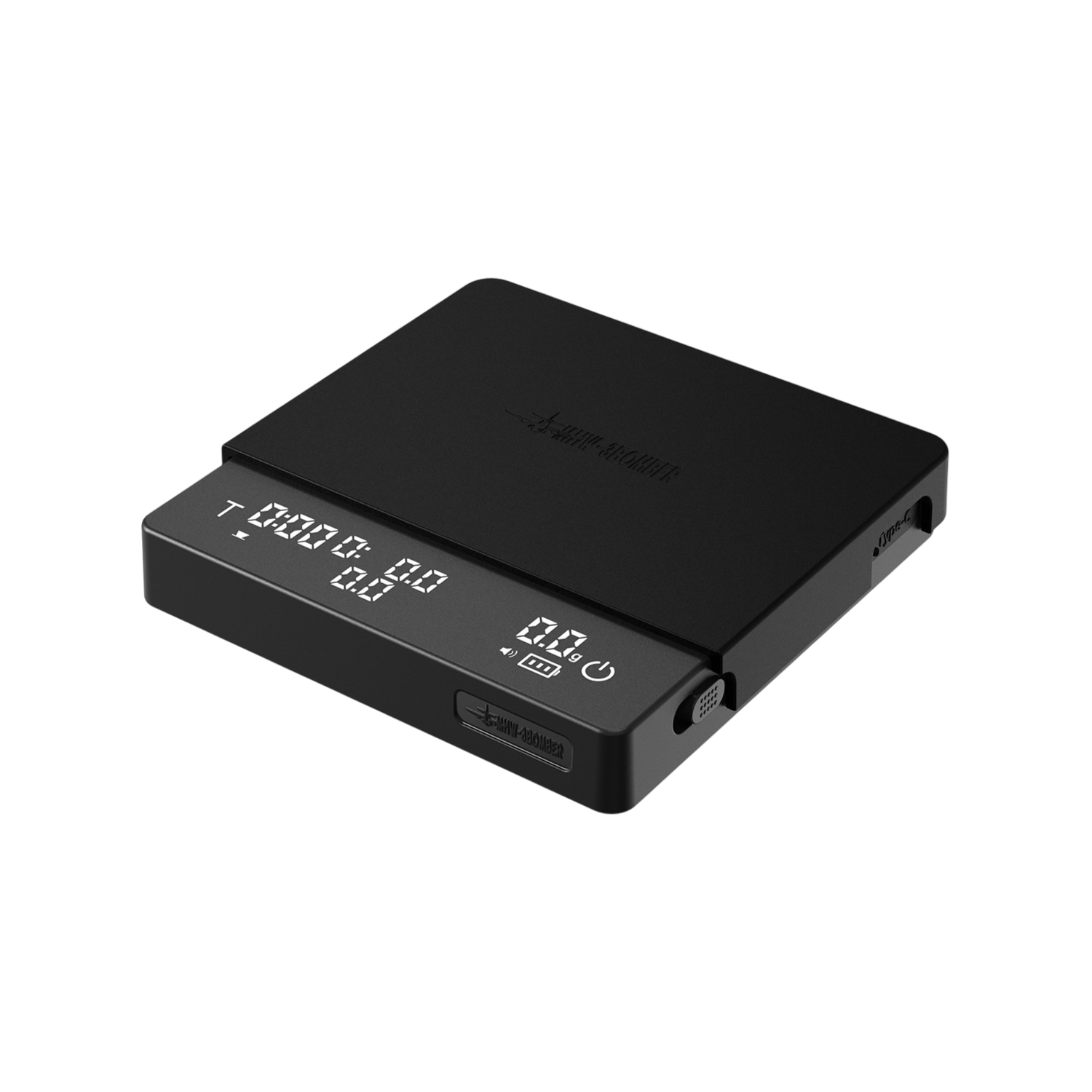

Cube Mini 3.0 Pro in use
Show more images and videos Show fewer images and videos
Your review
Thank you for your review
We have received your review.
About Cube Mini 3.0 Pro
Your recipe in grams and seconds.
More guidance for every brew.

Repeat what tastes good.
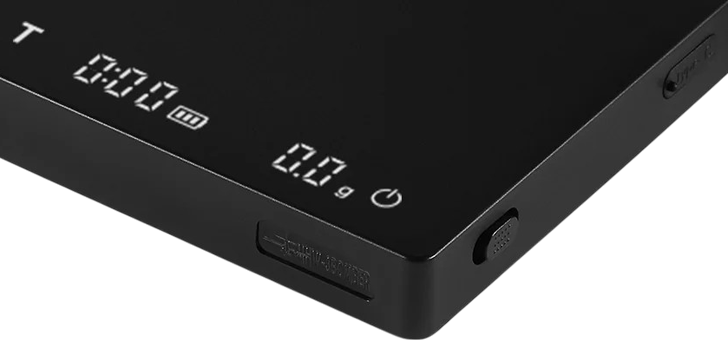
0.1 g increments · weight and timer in one display
The first drops start the timer.
In espresso mode, the scales automatically tare your empty cup. The timer starts as soon as the first coffee reaches your cup. No need to start the timer yourself.
Automatic tare · timer starts on liquid detection
See how quickly you pour.
While pouring, the display shows how many grams of water you add per second. It helps you maintain or intentionally change your pouring speed. After a brew in pour-over mode, you can also read the ratio between your coffee dose and added water.
Flow rate during brewing · coffee-to-water ratio afterwards
More space under your spout.
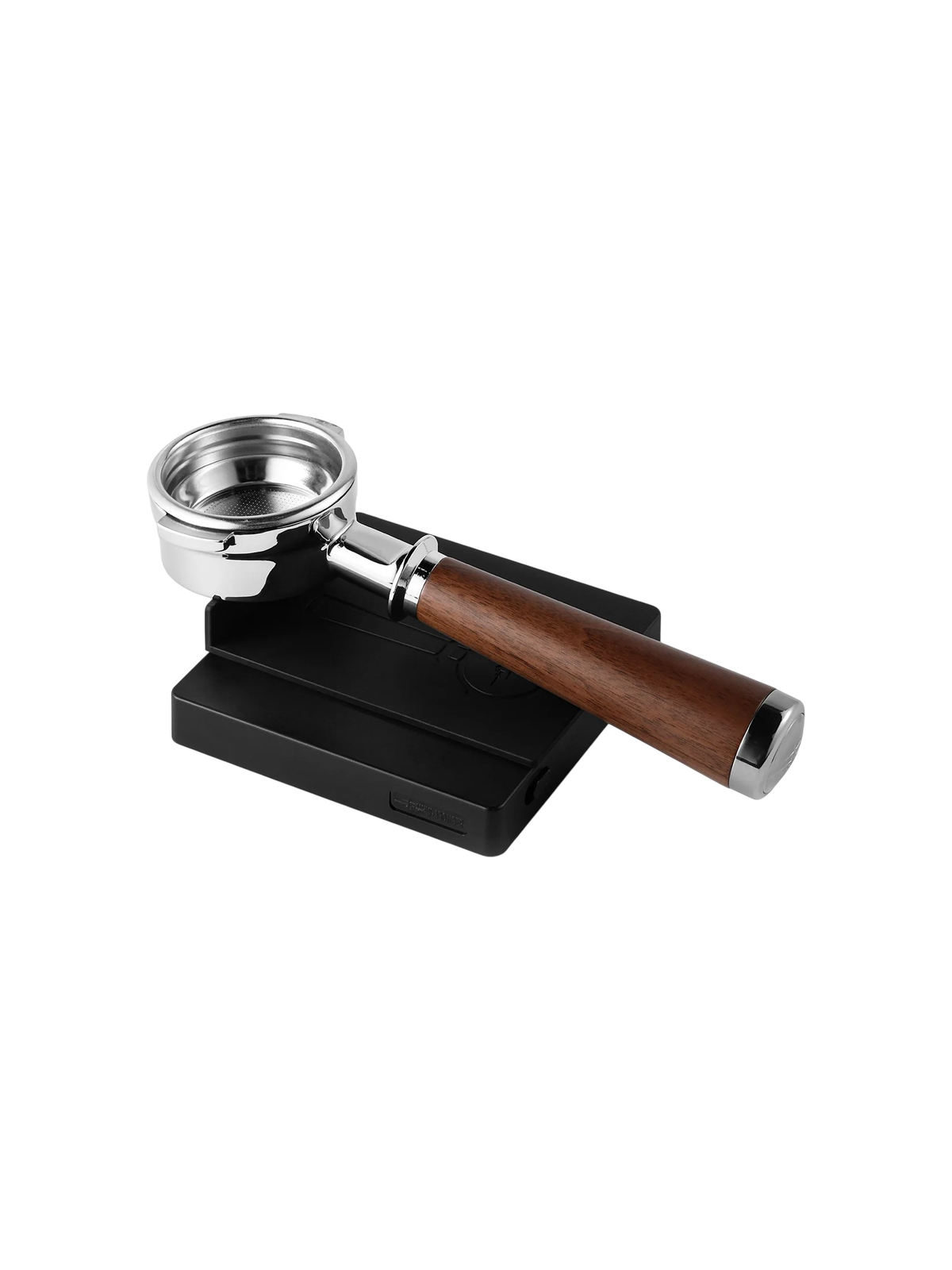
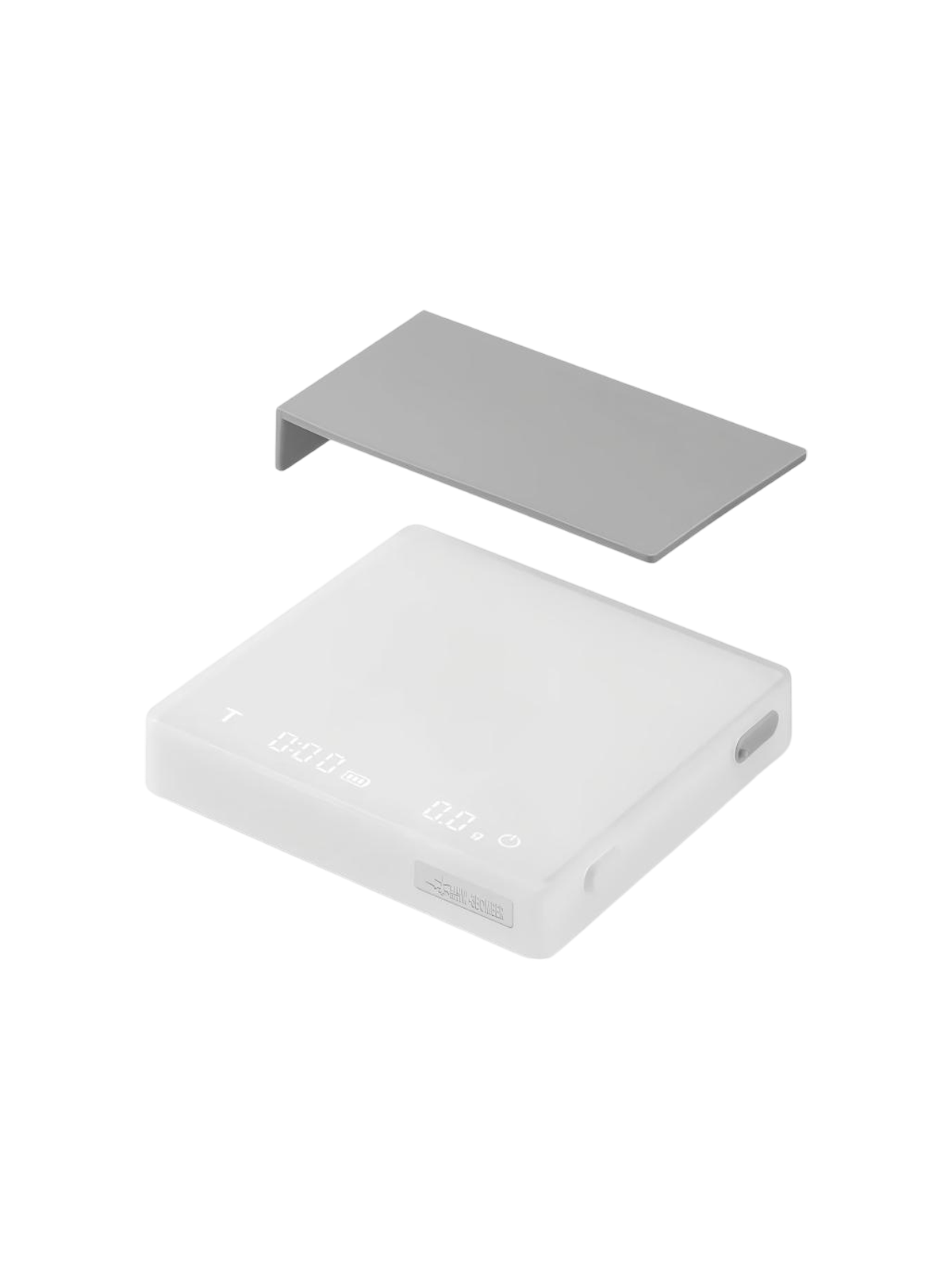
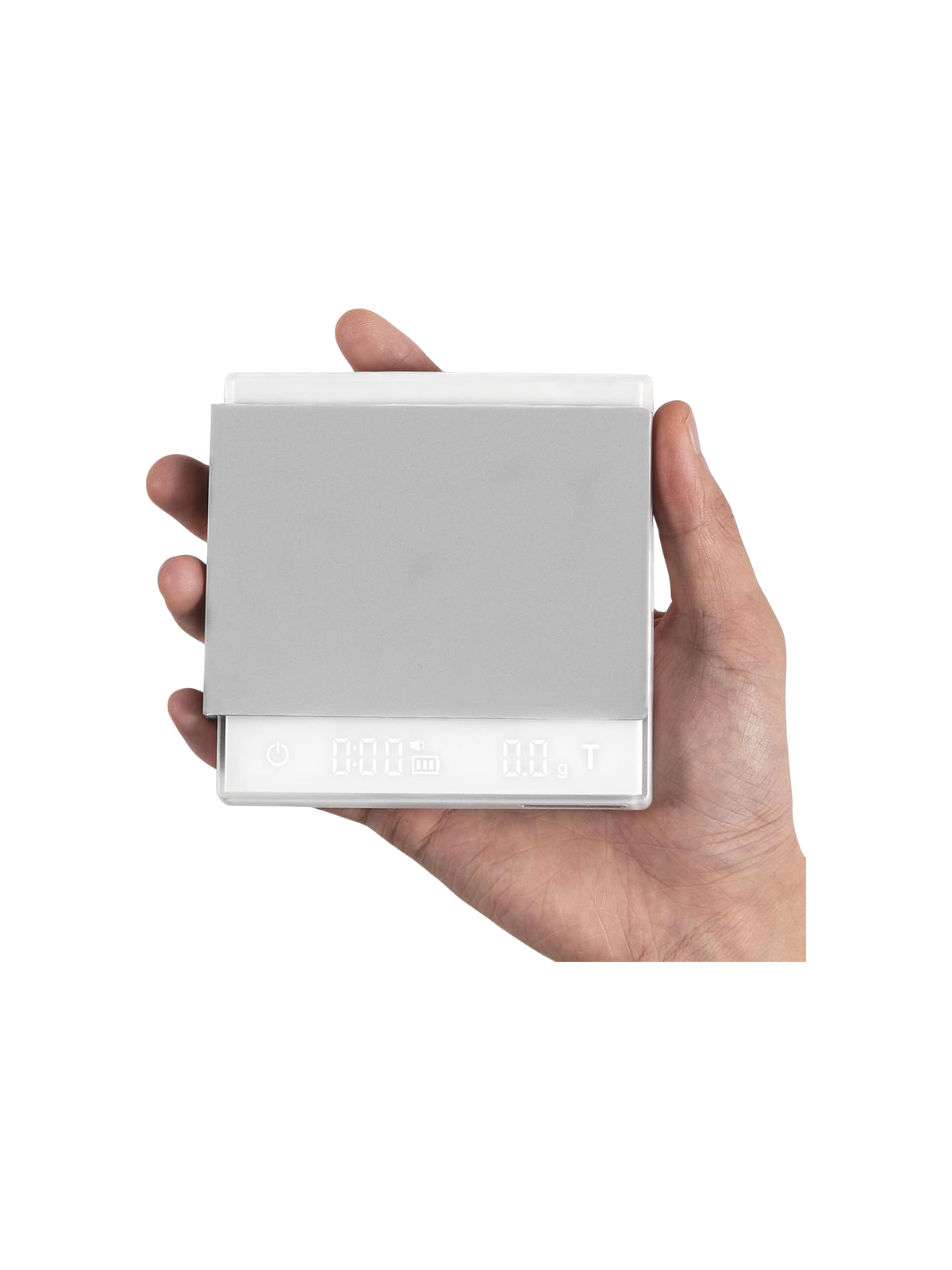
At around 19 mm high, the scales take up little space under your coffee spout. The footprint is around 10.5 × 10.5 cm. Check that your drip tray provides enough support and your cup still fits under the spout.
105 × 105 × 19 mm
Is this right for me?
For knowing what you brew.
Cube Mini 3.0 Pro suits you if you want to use quantities and time to make coffee more deliberately.
You want to repeat your espresso.
You grind and dose yourself, or want to know how much espresso your machine puts in your cup. Tracking dose, yield and time lets you compare brews.
You also make filter coffee.
You want to track water quantity and pouring speed. Pour-over mode keeps the timer running during pouring pauses and shows the coffee-to-water ratio afterwards.
You're looking for compact scales.
You have around 10.5 × 10.5 cm of level support available. Measure height with your cup or server too. Total weight on the scales, including your brewing setup, must not exceed 2 kg.
How it works
Weigh your espresso in three steps.
- 01
Place your cup.
Place your empty cup on the scales under the coffee spout. The scales switch on and tare automatically.
- 02
Start your espresso.
Start your machine. The timer starts automatically at the first drops. Track your espresso's weight and elapsed time on the display.
- 03
Stop at the amount you want.
Stop the machine yourself once you reach your recipe's weight. Keep the espresso quantity consistent for each brew.

What you add counts for filter coffee too.
Specifications
The practical details.
Weighing and measuring
- Weighing range
- 0,3–2.000 g
- Display increment
- 0,1 g
- Weighing units
- Grams and ounces g / oz
- Timer range
- Tot 9:59 min:sec
- Flow rate
- Shown while brewing g/s
- Ratio display
- Koffie:water, na afloop in pour-overmodus
Controls and features
- Weighing modes
- Manual, espresso, pour-over
- Automatic timer start
- When liquid is detected in espresso and pour-over modes
- Tare function
- Manual; automatic depending on the mode
- Automatic power-on
- At more than 50 g for 1 second, with the physical switch on
- Standby time
- Adjustable: 10 minutes, 30 minutes or always on; 30 minutes by default
- Sound
- Uitschakelbaar
Size and material
- Dimensions, length × width × height
- 105 × 105 × 19 mm
- Weight
- 275 g
- Material
- ABS, aluminiumlegering, verzinkt staal en siliconen
Battery and charging
- Battery
- Rechargeable lithium battery, 700 mAh
- Nominal battery voltage
- 3,7 V
- Charging port
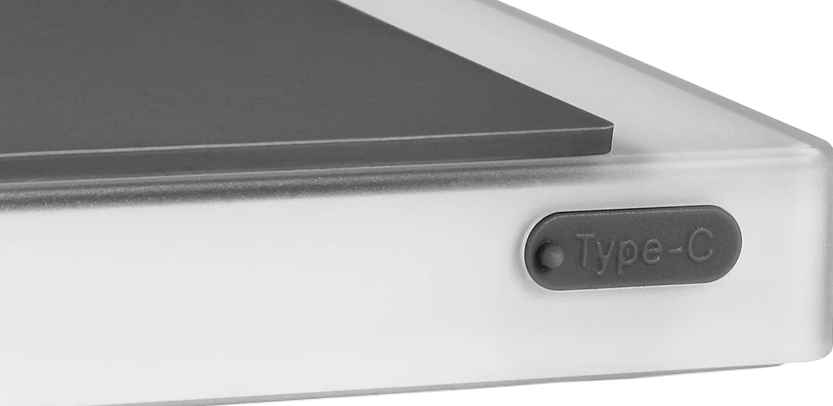
- USB-C
- Charging input
- 5 V / 1 A according to the specification table; no fast charger
What you receive
What's included.

Included with Cube Mini 3.0 Pro
- Cube Mini 3.0 Pro coffee scales
- Silicone mat
- USB-C charging cable
- Manual
What you need to add
Frequently asked questions
Before you choose.
Why does the timer start later than my machine's timer?
In espresso mode, the timer starts when the first coffee reaches your cup. A machine timer may start when the pump switches on or during pre-infusion. These are different measuring points. Always use the same starting point when comparing brews.
When does the timer stop in espresso mode?
For the first 15 seconds, the timer keeps running even if coffee briefly drips or the flow is interrupted. Afterwards, it stops automatically when no more coffee arrives. A very short brew may therefore show a longer measured time. To choose your own measuring point, use manual mode.
Can I see the coffee-to-water ratio while pouring?
In pour-over mode, you see time, flow rate and water weight while pouring. The ratio appears afterwards, when you lift the brewing setup. You need to have recorded the coffee dose with T before pouring.
Can I just weigh and control the timer myself?
Yes. Choose manual mode. Use the power button to tare. Tap T to start or pause the timer. Hold T for around two seconds to clear the time.
Why doesn't it switch on automatically when I place my cup?
The physical switch must be on. Automatic switch-on works when more than 50 grams rests on the scales for one second. A very light cup doesn't always activate it. You can also switch the scales on with the power button.
How do I charge the scales?
Use the included USB-C cable and a 5 V / 1 A USB mains adapter. Don't use a fast charger. Don't weigh while charging, and disconnect the cable when the battery is full.
Can the scales get wet?
Remove coffee splashes after use with a slightly damp cloth and dry the surface. Keep water out of seams and the USB-C port. Don't rinse or immerse the scales. Use the included silicone mat under warm cups or servers.
